Interfaces that look calm and feel obvious.
Design for websites, apps and SaaS products: research, structure, interface and a design system your developers can build from without guessing.
- Tools
- Figma
- Delivers
- Design system · prototypes · specs
- For
- Websites · apps · SaaS
- Recognised by
- CSSDA · CSS Winner · WD Awards
When it is time
Problem: Every screen looks a little different.
Fix: One design system: type, colour, spacing and components with every state.
Problem: Users ask how to do what the interface should make obvious.
Fix: Flows rebuilt around the tasks people come to do.
Problem: Developers guess at spacing, states and edge cases.
Fix: Specs and components that answer the questions before they are asked.
Problem: The product grew; the design did not.
Fix: A structure with room for the next ten features.
What you get
UX audit
Where users get stuck today, from analytics, recordings or a walkthrough of the current product.
Structure and flows
Information architecture and the main user flows, agreed before visual design.
Interface design
Every screen and state, for phone and desktop.
Design system
Tokens and components in Figma, ready to match in code.
Prototype and testing
An interactive prototype tested with real users before it is built.
Handoff
Specs and a review of the first build, so the result matches the design.
Understand first. Then design.
Most interface problems are structure problems. We fix the structure, then make it look the way it should.
Understand
Who uses the product, what they come to do, and where they get stuck today.
You get a short list of problems, ranked.
Structure
Flows and wireframes for the main tasks, tested before anything is polished.
You get flows everyone agrees on.
Design
The interface and the design system, every state included.
You get final screens and components in Figma.
Prove it
A prototype in front of real users, then a review of the first build.
You get a tested design, built as designed.
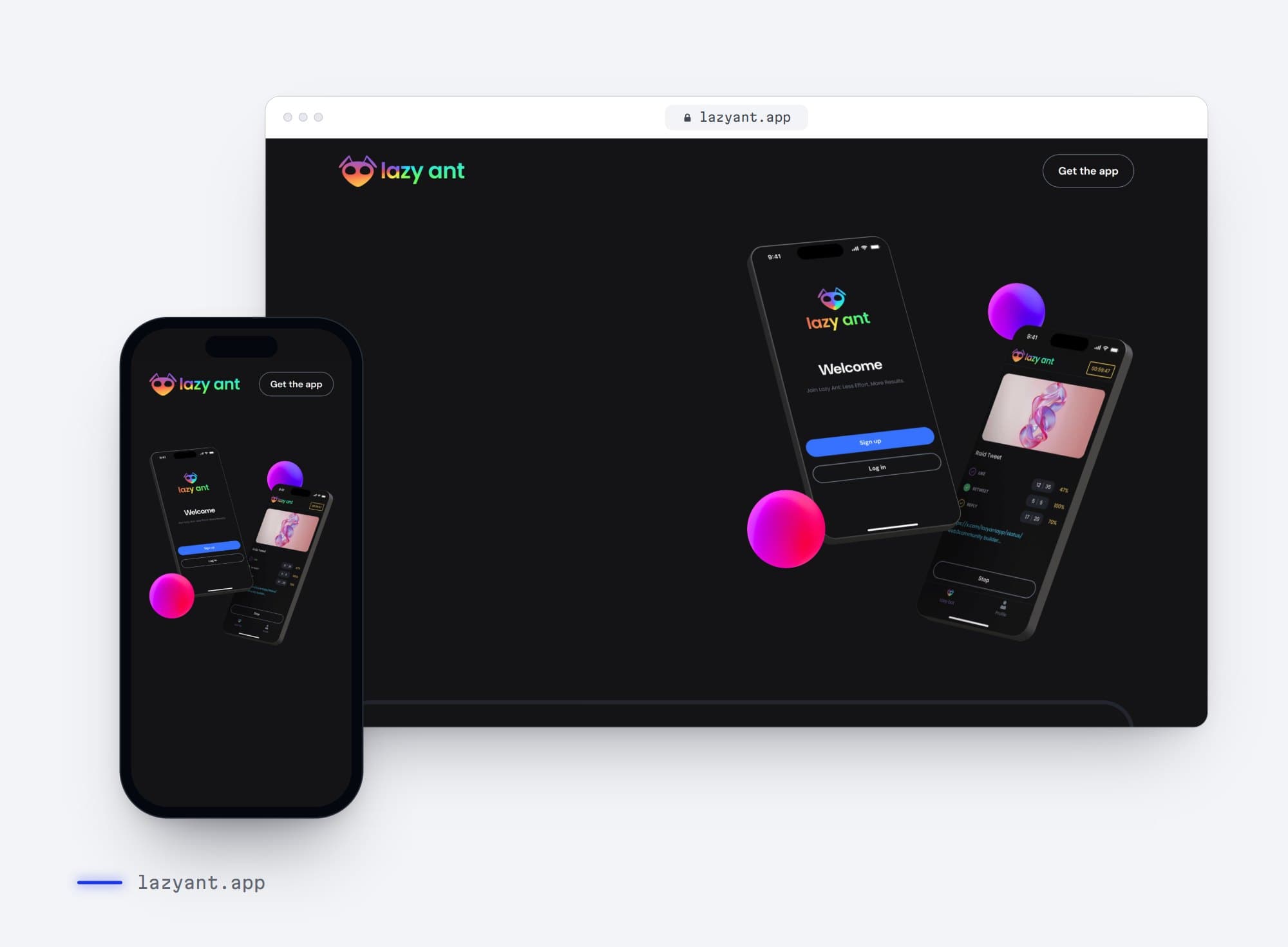
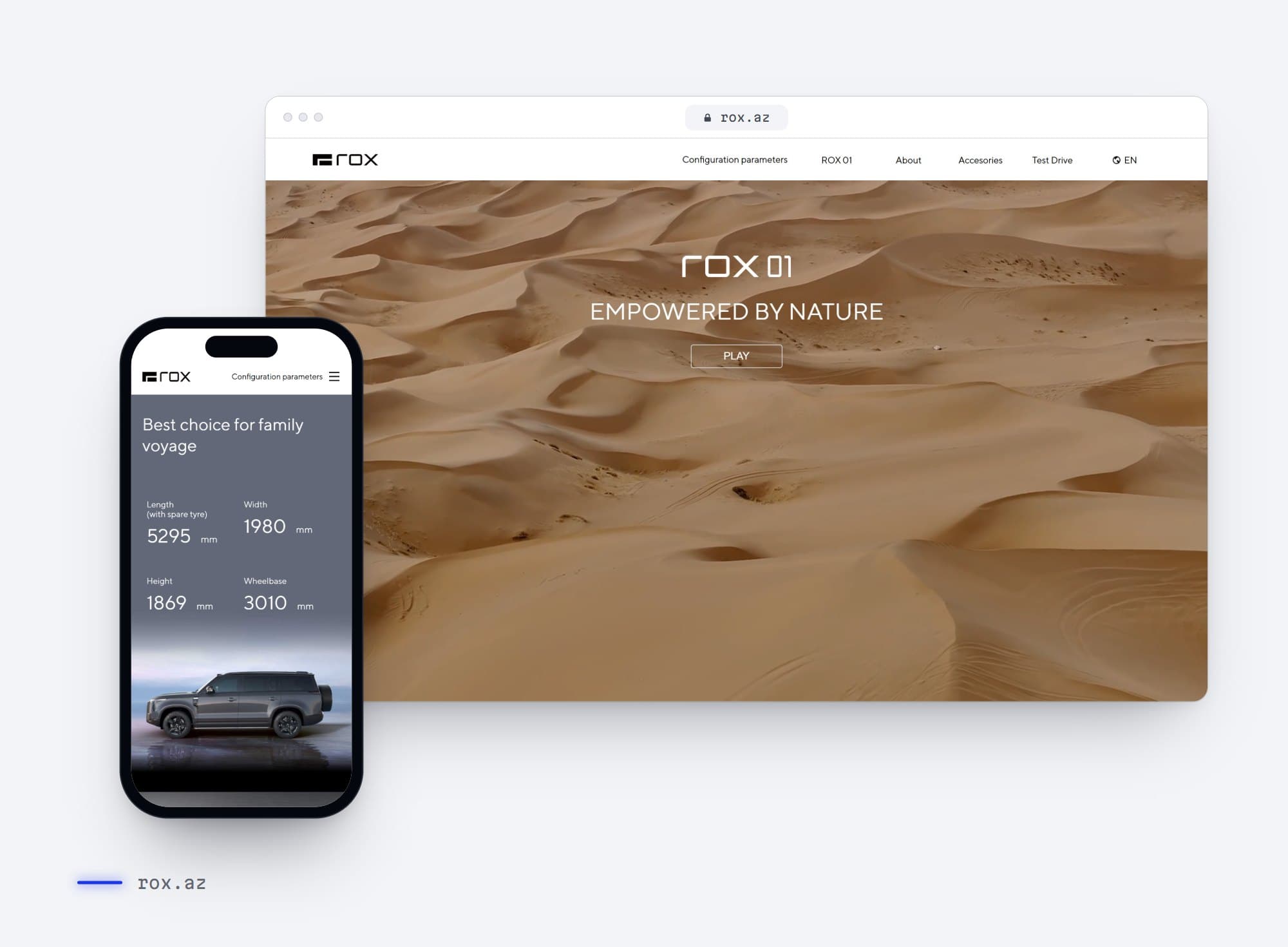
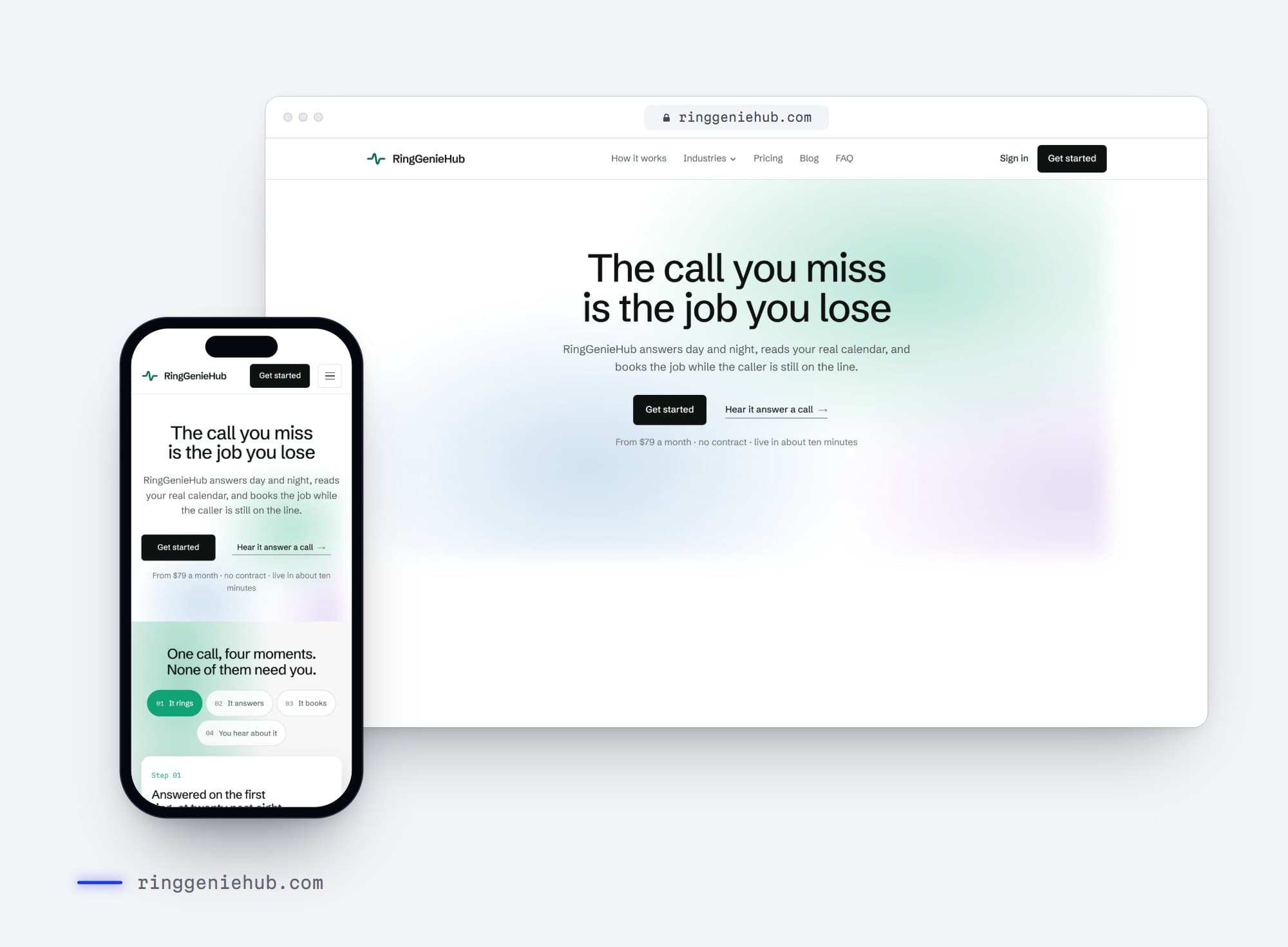
Work that used it.
Before you ask.
What is the difference between UI and UX?
UX is how the product works: the structure, flows and decisions a user makes. UI is how it looks and responds. We do both, in that order.
Can you redesign an existing product?
Yes, and usually in steps, so users are not lost and developers can ship as we go.
Do you test the designs?
Yes. We build interactive prototypes and test them with real users before development.
Which tools do you use?
Figma, with components and tokens your developers can map to code.
How long does it take?
It depends on the scope. After a short call we send a written proposal with a fixed price and a timeline, and we agree on both before any work starts.
Do I own the work when it is finished?
Yes. Once the project is complete and paid for, the design, code and content are yours.
Other services.
Websites
Fast, clear sites that turn a visit into a booking, a call or a sale.
Website redesign
A new site that keeps what already works: your URLs, your rankings, your best pages.
Speed optimization
Find what slows your site down on a real phone, fix it, and show the numbers.
Mobile apps
iOS and Android apps people keep on their home screen.
CMS platforms
WordPress, Shopify, OpenCart or custom, built so your team can run it.
AI automation
AI that answers, sorts and types up the work your team repeats every week.
Is your site losing people right now?
Type your address. We run Google's own PageSpeed test on the mobile version of your site and show you the score in about twenty seconds. No sign-up.
Google tests your site on a mid-range phone over a mobile connection, the way most of your customers see it.